A preserved archive of the Logical Gamers community forums, 2009-2025. The original threads and posts, served read-only. Registration, posting and private messages are gone for good.
I actually like it, i also like how everyone here is saying it looks so easy to do, yet haven't posted a thing. Can you share where you got the tutorial to do this? Id love to learn!
I actually like it, i also like how everyone here is saying it looks so easy to do, yet haven't posted a thing. Can you share where you got the tutorial to do this? Id love to learn!
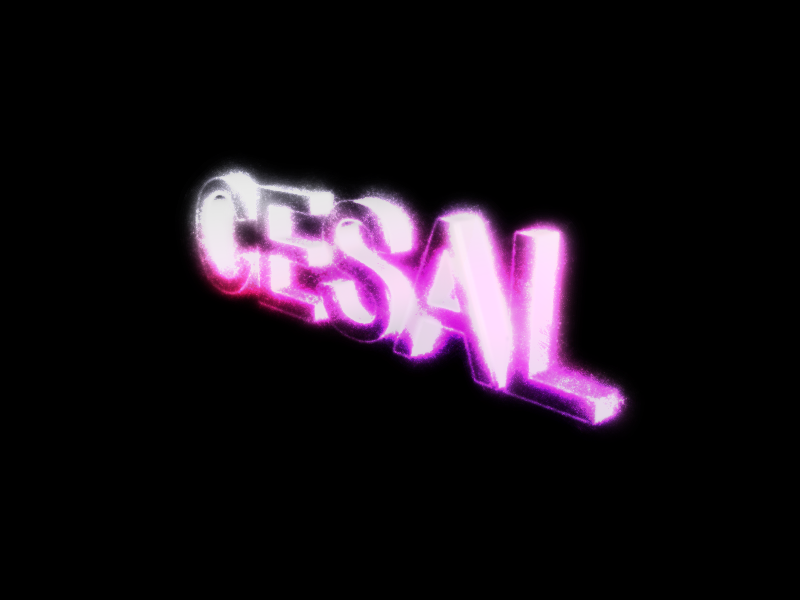
I said nothing. I don;t think it needs a better background, just a clearer font.
It's good but it needs to me cleaner/less fuzzy imo. Love the colors
And yeah. Those who say that it's easy to do in photoshop, it isn't if you don't have fair knowledge of the layer settings. Even if you can, I bet anyone with knowledge of c4d/illustrator can do it way faster that you can in photoshop.
Ok all of you saying it would be real easy to do in photoshop.. i did make it in photoshop...
i RENDERED the 3D text from cinema 4D. it was not easy in photoshop either
You could have used some different brushes, and spread them out further. You also could have made the 3D text a little more 3D...they seem pretty thin. A clouds effect in the background, with the right adjustments, could also have made it look better.
My friend made the profile auction part, though. We were doing it together and couldn't decide on a style. Wait, now that I look at it...I followed a tutorial like it. It was on a different site, though


 I don;t think it needs a better background, just a clearer font.