A preserved archive of the Logical Gamers community forums, 2009-2025. The original threads and posts, served read-only. Registration, posting and private messages are gone for good.

Desktop screenshots

1.1k views · started by bmlkiddo ·
#1
Desktop screenshots
Post 'em.

This is a few hours of tinkering. Still a lot of work to do. Decided to go with OpenBox vs. dwm
I have a dwm instance, but right now I need more window control instead of tiling.

#2
Hi your desktop looks really good! What operating system are you using? What is tinkering too?
#3
Hi your desktop looks really good! What operating system are you using? What is tinkering too?


OS: Arch Linux
Display manager: lxdm
Window Manager: OpenBox
Sys Tray: tint2
Sys Info: Conky
Music player: cmus + vis
File manager: pcmanfm
Background management/image viewer: feh
Browser: Firefox and midori
IRC: irssi

Then for stuff like email I've opted for Mozilla's Thunderbird because I cbf to use mutt.
VLC for video of course
In this photo I was using Terminator as my terminal emulator. I've opted to use tmux now, though. I usually use rxvt
Then I have steam, Discord, etc running natively


Sadly stuck with NVIDIA proprietary drivers because we all know nouveau sucks cock.
#4
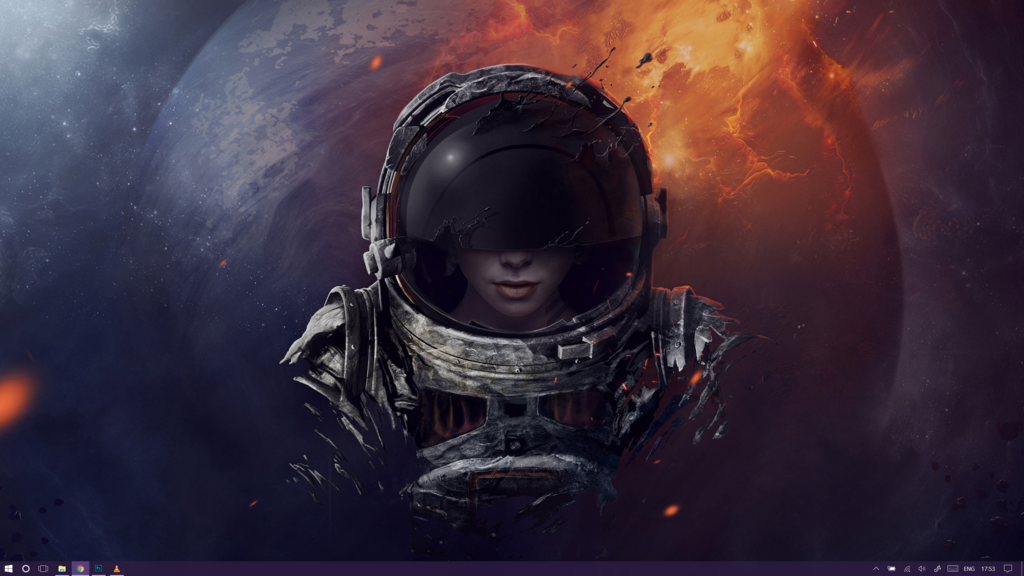
Based on your screenshot posting mine would be a bit of an insult but I'm going to do it anyway! :D


Dell XPS 13"
3200x1800
Windows 10

Naturally I took the liberty of hiding the cluttered mess of icons before posting though.
#5

Keepin it simple
#6
new hotness

#7
I have a live background on my PC pretty much it's GTA V.
Due to my gif recorder i only captured a section.


/off topic
:D yo im back
Desktop screenshots | Logical Gamers Archive